 MetaStocker
Local AI
How to Generate and Review Stock Keywords Locally with AI
This guide shows a complete local workflow for one example image: a photo of fresh bread on a kitchen table. The aim is not to accept every suggestion from an AI model. It is to create a useful first draft, inspect what the image actually supports, remove invented details, and export only a row you would be comfortable reviewing again in a stock contributor portal.
MetaStocker can run its local vision and thinking models in the visitor’s browser. In local mode, model inference stays on the device rather than going to an AI server. The first model download requires internet access, and the browser needs a compatible WebGPU setup with sufficient memory. Downloaded browser files are not the same as a model actively loaded in memory, so the interface’s Download/Load and unload controls matter. This example starts conservatively with one local thread.
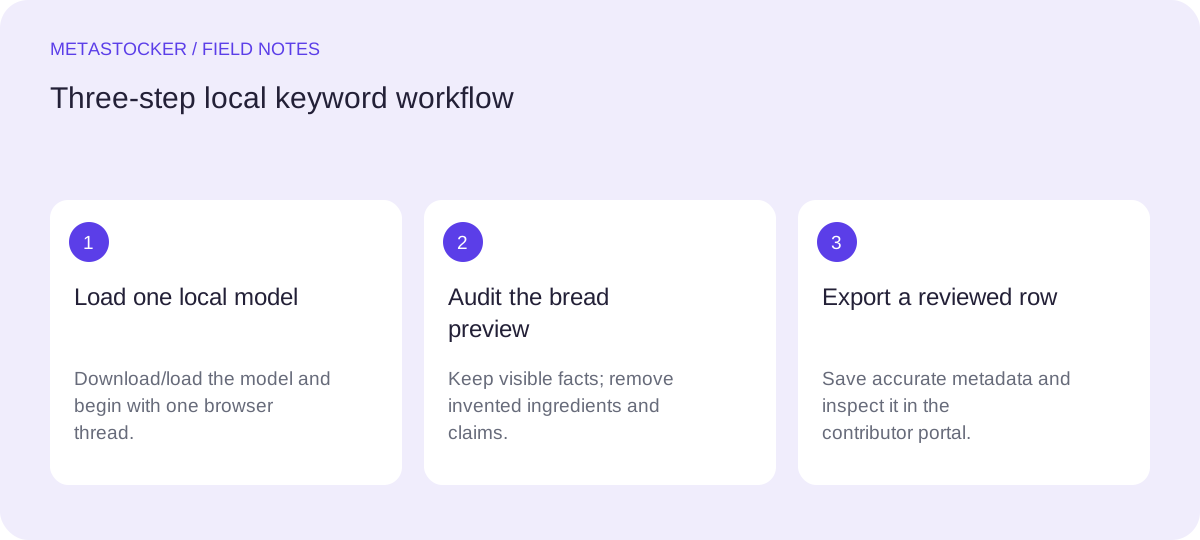
1. Prepare the image and the facts
Before opening the generator, write down only what you can defend from the photo. In this example, the visible facts are a whole rustic loaf, several slices, a wooden table, a neutral kitchen setting, warm natural-looking light, and a close food composition. Do not add ingredients, a recipe, a named bakery, a country, a person, or a dietary claim unless you know those facts independently.
Use a short batch description as context, not as a list of blanket tags. For one file, a precise sentence is enough: “Food photo of sliced fresh bread on a wooden kitchen table; no people or packaging visible.” This helps frame the request while leaving the model responsible for suggestions that still need review.
- Separate visible facts from assumptions.
- Keep the original filename unchanged if you may export CSV metadata later.
- Decide which marketplace language is required before editing the final terms.
Visible facts: sliced bread, whole loaf, wooden table, indoor food setting.
Unsupported assumptions: wheat ingredients, homemade recipe, bakery name, country, gluten-free status.
2. Download, load, and start with one thread
Open the local generator and choose a local model. Explicitly select Download/Load and wait for the model to become ready. The initial download needs internet access. Afterward, the model may remain available in browser storage, but that cached download is different from the model copy currently loaded for inference.
Set the local parallel thread count to one for the first pass. Multiple local threads can load separate model copies, which may increase memory pressure. After you understand the workflow, you can test a second thread if your browser, GPU, and available memory handle it reliably. A browser that supports WebGPU does not automatically guarantee that a particular model will fit.
Select the bread image and start generation. If the preview does not appear or the browser struggles, pause and check the model state, browser compatibility, and available memory before changing the metadata.
- Use local mode when you want the photo, prompt, and result to remain on the device during generation.
- Do not expect automatic cloud fallback if local inference cannot run.
- Unload the model when finished if you want to release active memory; deleting browser model files is a separate action.
Starting setup: local model; Download/Load completed; local threads: 1; input: fresh-bread.jpg.
3. Observe the preview before judging keywords
Let the generator produce its editable preview, then inspect the image and the draft side by side. The preview is useful for finding candidate concepts, but it is not evidence that every word is true. Read the title, description, and tags as a draft made for human correction.
For this bread photo, the draft might correctly suggest terms such as bread, sliced bread, loaf, bakery food, table, and close up. It might also suggest wheat, flour, butter, breakfast, homemade, or sourdough. Some of those may be visually plausible; plausibility is not verification. A cut surface can hint at a recipe, but pixels cannot prove the ingredients or preparation method.
Keep the filename tied to the result while reviewing. The app can validate a requested number of tags, but a correct count says nothing about relevance or accuracy.
- Check the preview against the physical scene, not against the model’s confidence or wording.
- Mark every term as confirmed, uncertain, or unsupported.
- Treat visual suggestions as candidates, never as automatic facts.
Draft review: keep “sliced bread” and “wooden table”; question “breakfast”; remove “sourdough,” “wheat,” and “butter” unless independently verified.
4. Remove hallucinated ingredients and overreach
The most important edit in this example is the ingredient check. Suppose the loaf has a brown crust and an open crumb. That appearance does not establish wheat flour, rye, sourdough culture, butter, or a homemade recipe. Delete those terms unless your production notes or packaging confirm them. The same caution applies to claims such as healthy, organic, traditional, or artisanal.
Then remove repeated, overly broad, or irrelevant tags. Keep terms that describe the subject, visible form, setting, and useful concept without pretending to know hidden context. A compact list of accurate words is more defensible than a longer list filled with guesses.
If the target marketplace requires English metadata, edit the final title and keywords in English even if your working notes or this guide are in another language. Follow the current contributor portal rules for the specific platform.
- Keep visible subjects and composition terms.
- Remove unverified ingredients, processes, identities, locations, and commercial claims.
- Avoid repeating the same idea with minor word changes.
Candidate final keywords: bread, sliced bread, loaf, bakery food, baked food, crust, crumb, food close up, wooden table, kitchen, rustic food, fresh food, still life.
5. Build a conservative final metadata row
Write a descriptive title or phrase rather than a title made from a keyword list. Put the most important concepts first. For Adobe Stock, the relevant guide allows up to 49 keywords and emphasizes the first ten; its CSV guidance currently gives a 70-character title limit. Use a conservative maximum of 49 and check the current upload screen because platform requirements can change.
For the example, “Sliced fresh bread loaf on a wooden kitchen table” is specific without claiming a recipe or ingredient. The first keywords should carry the core subject: bread, sliced bread, loaf, baked food, food close up. Add setting and composition terms only when they remain relevant.
If you later adapt the row for another marketplace, do not assume the same limits or fields apply. Requirements differ by platform and content type.
- Put the strongest subject terms first.
- Keep the title natural and descriptive.
- Confirm current marketplace limits before export or upload.
Filename: fresh-bread.jpg
Title: Sliced fresh bread loaf on a wooden kitchen table
Keywords: bread, sliced bread, loaf, baked food, food close up, crust, crumb, wooden table, kitchen, rustic food, fresh food, still life
6. Export only after the human review
When the row is ready, export the format required by your workflow, such as an Adobe, Envato, Shutterstock, or Freepik CSV. Exporting does not upload or submit the file, guarantee acceptance, or embed metadata into the original image. It also does not replace inspecting the final metadata in the contributor portal.
For an Adobe CSV workflow, upload the assets before importing the CSV, and make sure the filename, including extension and case, matches exactly. Treat the export as a prepared handoff. Open it, verify the row, and then inspect the resulting metadata in the portal. If the portal’s current rules differ from your saved checklist, follow the current portal instructions.
Keep the original image and your reviewed metadata together. If a tab closes, the app does not promise to preserve unfinished work, so export a ready row before leaving the session.
- Export only rows you have reviewed.
- Check exact filenames and extensions.
- Inspect imported metadata in the contributor portal.
- Verify current platform rules before submission.
Final handoff: fresh-bread.jpg paired with the reviewed title and 12 accurate English keywords; no invented ingredients or location claims.
Before you continue
- Download and load the local model explicitly.
- Start with one local thread.
- Describe only facts you can defend.
- Observe the generated preview before editing.
- Remove invented ingredients such as wheat, butter, or sourdough unless verified.
- Place the most important keywords first.
- Use a conservative keyword count and check current platform rules.
- Export only reviewed rows, then inspect the contributor portal.
- Remember that local browser inference is separate from downloaded browser cache.
Sources and editorial approach
Prepared with AI assistance. Worked examples are illustrative. Automated checks do not replace checking the requirements of your stock platform. How these guides are made.