 MetaStocker
Titles & keywords
How to Handle Punctuation in Stock Titles and CSV Metadata
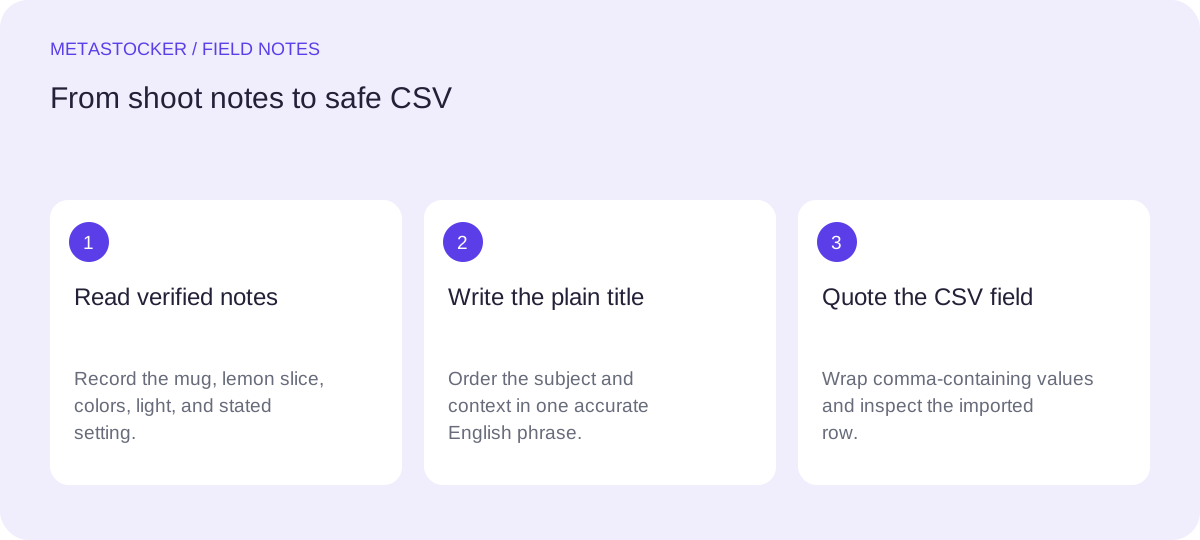
Punctuation should make a stock title easier to understand, not turn it into a keyword pile or a CSV error. The practical goal is simple: describe the asset in one readable phrase, keep the most useful terms near the beginning, and preserve the same text when you export metadata. This guide uses one hypothetical worked example throughout. The shoot notes for that example say: one red ceramic mug on a pale blue table, one lemon slice beside it, morning window light, a home kitchen, no people, no brands, and no recorded location. Those notes are the only facts used; the image is not treated as proof of ownership, place, time, or ingredients beyond what the notes state.
Treat punctuation as meaning
A comma can separate a subject from its setting, while a colon can introduce a useful variation. A hyphen can join a genuine compound term, but decorative punctuation rarely improves discoverability. Begin with the main subject and avoid turning the title into a string such as “mug, coffee, kitchen, lemon, blue, red.” Shutterstock’s guidance describes a title as a sentence or phrase rather than a list of keywords.
Punctuation cannot make an unsupported detail safe. Do not add a location, person, brand, food claim, or ownership statement because it appears plausible. If a fact matters, take it from the shoot notes or your own verified records.
- Use punctuation to separate related ideas.
- Remove punctuation that adds no clarity.
- Keep factual boundaries visible.
Clear: Red ceramic mug with lemon slice on pale blue kitchen table
Weak: Mug, coffee, lemon, kitchen, blue, morning
Build the title before polishing it
Write the plain-language description first, then inspect its order. For the example, “Red ceramic mug with lemon slice on pale blue kitchen table” puts the object, color, companion object, and setting in a natural sequence. It does not claim that the mug contains coffee, that the scene was photographed in a particular city, or that the table belongs to the photographer.
If the target platform uses English metadata, keep this metadata in English even when your editorial notes or blog are in another language. Adobe states that metadata language must match the contributor account language. Also check the current portal rules: Adobe’s current guidance recommends brief titles ideally under 70 characters, while the CSV guide gives a 70-character limit.
- Lead with the asset’s main subject.
- Use a phrase a buyer could read aloud.
- Check the current contributor portal before export.
Red ceramic mug with lemon slice on pale blue kitchen table
Use quotes only when they are real content
Quotation marks usually signal words that appear in the asset, a spoken phrase, or an exact named expression. They are not a substitute for emphasis and should not surround every keyword. In the mug example, there is no supplied text in the image, so the title needs no quotation marks.
Apostrophes and hyphens also need a reason. Use an apostrophe only for a genuine possessive or contraction; use a hyphen when it belongs to an established compound or improves readability. Do not insert a trademark or a person’s name merely because it might attract a search. Identity and brand claims require evidence, and none is supplied here.
- Reserve quotation marks for visible or exact wording.
- Do not use punctuation as decoration.
- Never use punctuation to disguise an unsupported claim.
No quotes needed: Red ceramic mug with lemon slice on pale blue kitchen table
Only if visible text exists: Mug with label reading “Morning”
Make commas safe in CSV
CSV uses commas as field separators. Therefore, a title containing a comma must normally be enclosed in double quotation marks so the importer reads it as one field. A double quote inside the value is represented by two double quotes. The exact column names and supported fields depend on the destination, so treat this as a representation example, not a universal upload template.
Keep the filename exactly aligned with the uploaded asset, including extension and case. Adobe’s workflow requires the assets to be uploaded before the CSV is imported, then asks contributors to inspect the resulting metadata in the portal. A correctly quoted row is still not proof that an import will be accepted.
- Quote fields containing commas.
- Double internal quotation marks.
- Match the full filename exactly.
- Inspect imported metadata manually.
filename,title,keywords
mug-lemon-01.jpg,Red ceramic mug with lemon slice on pale blue kitchen table,"mug,ceramic,red,lemon slice,pale blue,kitchen table,morning light"
Control keyword punctuation separately
A title and a keyword field do different jobs. Keep the title readable, then create precise keywords for the individual file. For this example, “lemon slice” is a meaningful compound phrase; “kitchen table” may also be useful if the notes support that setting. Do not repeat the same word in several forms simply to fill space, and do not add coffee, café, breakfast, restaurant, or a city when those details were not supplied.
Adobe allows up to 49 relevant keywords and recommends ordering important terms first, with particular attention to the first ten. Shutterstock’s current guidance gives a range of 7 to 50 relevant keywords. These limits are platform-specific and can change, so confirm the current destination requirements before submission.
- Tailor every keyword list to the individual file.
- Put the strongest terms first.
- Use compounds only when they describe the asset.
- Do not confuse quantity with accuracy.
mug, ceramic, red, lemon slice, pale blue, kitchen table, morning light, home kitchen
Review punctuation before export
Read the title as a customer would, then read the CSV as a spreadsheet would. Look for a keyword-list title, accidental commas, unmatched quotation marks, repeated terms, and claims that are not in the notes. If you use a generator, treat its output as editable metadata: review each file and export only rows you consider ready.
For the example, the final title remains a plain phrase without quotes. The CSV version adds quotes only where the comma requires them. That is a formatting decision, not a ranking promise. Search visibility depends on the platform’s own systems, and no punctuation pattern guarantees acceptance, sales, or a ranking improvement.
- Compare every row with the actual filename.
- Check title length and account language.
- Inspect punctuation in both a text editor and the portal.
- Confirm changing marketplace policies before uploading.
Final title: Red ceramic mug with lemon slice on pale blue kitchen table
CSV title field: Red ceramic mug with lemon slice on pale blue kitchen table
Before you continue
- State the verified shoot facts before writing metadata.
- Write a readable phrase instead of a keyword list.
- Keep unsupported places, identities, brands, and materials out.
- Use quotes around CSV fields that contain commas.
- Escape an internal double quote by doubling it.
- Match filenames, extensions, and case exactly.
- Review imported metadata in the contributor portal.
- Check current platform limits before submission.
Sources and editorial approach
Prepared with AI assistance. Worked examples are illustrative. Automated checks do not replace checking the requirements of your stock platform. How these guides are made.